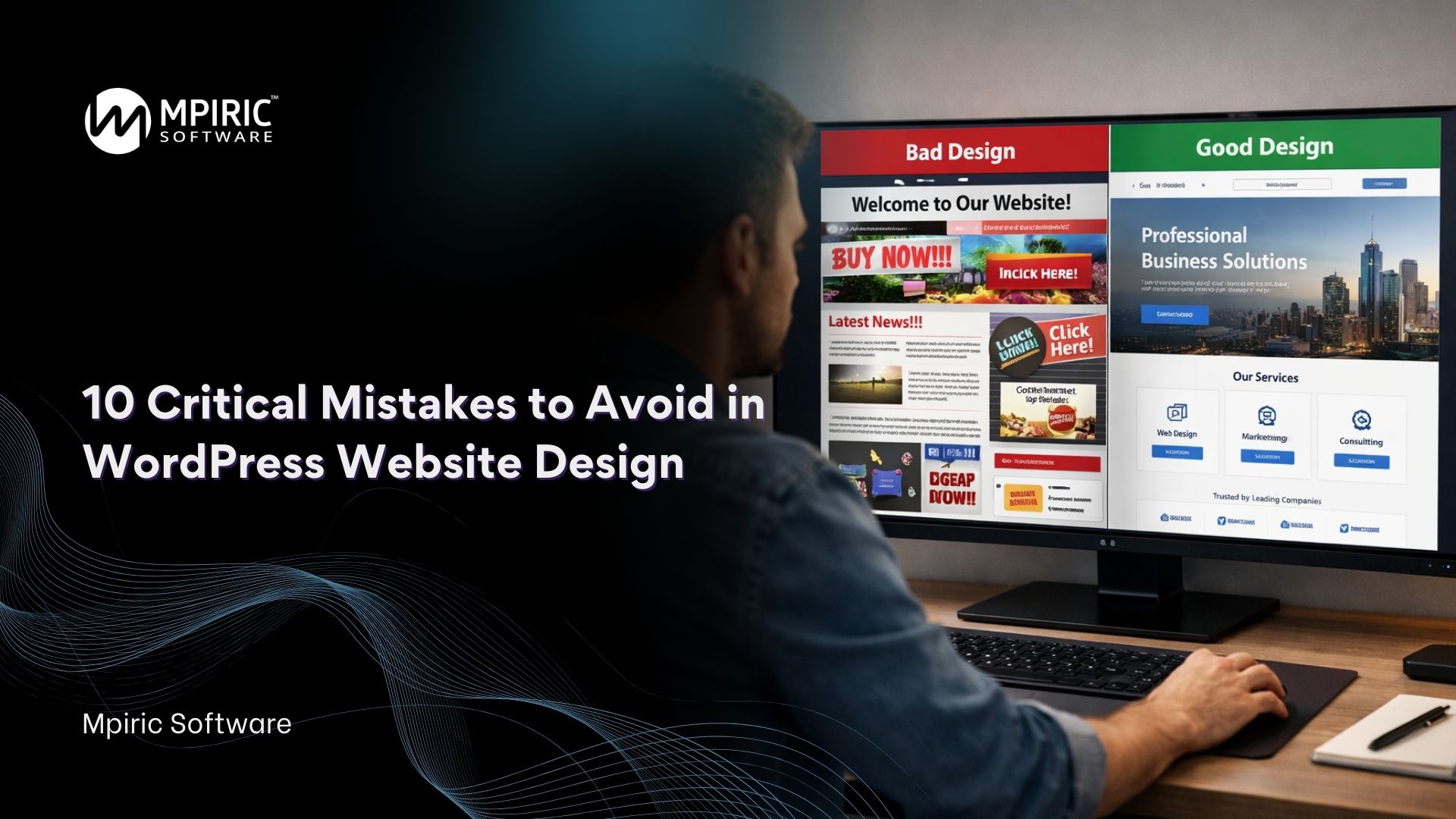
Creating a website today is easier than ever but creating a website that actually performs, converts, and builds trust is a completely different story. Many businesses launch a site quickly and assume the job is done, only to discover low traffic, poor engagement, and weak conversions months later.
That gap usually comes down to mistakes in WordPress Website Design. Small decisions in layout, speed, structure, and user experience can quietly damage results over time.
This in-depth guide walks through the most common and costly mistakes businesses make and exactly how to avoid them. Whether you’re launching a new site or improving an existing one, these insights will help you build something that works for both users and search engines.
Why Smart Design Matters More Than Ever
A website is often the first interaction someone has with your brand. Visitors decide within seconds whether to stay or leave. If your site loads slowly, looks outdated, or feels confusing, trust drops immediately.
Good WordPress Website Design is not just about visuals. It combines performance, structure, usability, accessibility, and strategy. When these elements align, a website becomes a powerful business tool rather than just an online brochure.
Many professional teams, including Mpiric Software, emphasize that successful sites are built with long-term performance in mind not just appearance.
Let’s dive into the biggest pitfalls to avoid.
1. Choosing the Wrong Theme
One of the earliest and most damaging mistakes is selecting a theme based only on appearance. Many themes look impressive in demos but perform poorly in real-world conditions.
Common problems include:
- Bloated code that slows performance
- Limited customization flexibility
- Poor mobile responsiveness
- Compatibility issues with plugins
- Weak SEO structure
A good theme should be lightweight, well-maintained, and built for scalability. It should support fast loading times and allow design flexibility without requiring excessive customization.
When planning WordPress Website Design, always evaluate a theme’s performance, reviews, update history, and support quality not just how it looks in a preview.
2. Ignoring Mobile Optimization
Mobile traffic now dominates most industries. Yet many websites still treat mobile responsiveness as an afterthought.
Typical mobile mistakes include:
- Text that is too small to read
- Buttons that are difficult to tap
- Layouts that break on smaller screens
- Slow loading on mobile networks
- Popups that block content
A modern site must be designed mobile-first, not desktop-first. Every element should adapt seamlessly to different screen sizes.
Strong WordPress Website Design ensures users have the same smooth experience regardless of device. When mobile usability improves, engagement and conversions typically increase as well.
3. Poor Website Navigation Structure
Visitors should never feel lost on your website. Confusing navigation is one of the fastest ways to increase bounce rate.
Common navigation problems:
- Too many menu items
- Unclear labeling
- Hidden important pages
- Lack of hierarchy
- No search functionality
A clear structure helps users find information quickly and helps search engines understand your site architecture.
Professional designers often recommend organizing content into logical categories and maintaining consistent navigation across all pages. Mpiric Software frequently advises businesses to design navigation around user intent rather than internal company structure.
Good navigation is a cornerstone of effective WordPress Website Design.
4. Overloading the Site with Plugins
Plugins extend functionality, but too many can cause serious problems.
Risks of excessive plugins:
- Slower loading times
- Security vulnerabilities
- Conflicts between features
- Maintenance complexity
- Server resource overload
Every plugin should serve a clear purpose. If a feature is unnecessary, remove it.
A streamlined approach to WordPress Website Design prioritizes efficiency and performance over unnecessary features. Quality matters far more than quantity.
5. Ignoring Website Speed Optimization
Speed directly affects user satisfaction, search rankings, and conversions. A slow website silently drives visitors away.
Major causes of slow performance:
- Uncompressed images
- Heavy themes
- Too many scripts
- Poor hosting environment
- Lack of caching
Improving speed involves optimizing images, enabling caching, minimizing code, and selecting reliable hosting.
High-performance WordPress Website Design focuses on speed from the beginning rather than treating it as a later fix.
Businesses that partner with experienced developers, such as Mpiric Software, often see significant improvements simply by optimizing load time and performance structure.
6. Weak Content Structure and Readability
Design is not only visual it’s also about how information is presented.
Common content design issues:
- Large blocks of text
- Poor heading hierarchy
- Inconsistent typography
- Lack of spacing
- No visual guidance for readers
Content should be easy to scan. Users prefer clear headings, short paragraphs, and logical flow.
Effective WordPress Website Design supports content rather than competing with it. The design should guide attention naturally from one section to the next.
7. Neglecting SEO Fundamentals
Many websites look great but remain invisible in search results due to weak SEO structure.
Typical SEO mistakes:
- Missing meta titles and descriptions
- Poor URL structure
- No schema markup
- Duplicate content
- Lack of keyword strategy
Search engines rely on structure, clarity, and relevance. Without proper optimization, even beautiful sites struggle to attract traffic.
Strategic WordPress Website Design integrates SEO from the beginning, ensuring that technical foundations support visibility and growth.
8. Weak Security Practices
Security is often overlooked until a problem occurs and by then, damage may already be done.
Common security oversights:
- Outdated plugins or themes
- Weak passwords
- No backup system
- Lack of SSL encryption
- Poor user role management
A secure website protects both business reputation and customer trust.
Reliable WordPress Website Design includes proactive security planning, regular updates, and monitoring systems to prevent vulnerabilities.
9. Lack of Clear Call-to-Action Strategy
A website without direction confuses visitors. Every page should guide users toward a meaningful action.
Frequent mistakes include:
- No visible call-to-action
- Too many competing actions
- Generic messaging
- Poor button placement
Clear calls-to-action improve conversions and user engagement. They should be visually distinct and strategically positioned.
Conversion-focused WordPress Website Design aligns layout, messaging, and user flow with business goals.
10. Designing Without Understanding Users
Perhaps the biggest mistake is designing based on assumptions rather than real user needs.
Common symptoms:
- Content focused only on the company
- No audience research
- Ignoring analytics data
- Lack of usability testing
User-centered thinking transforms websites from static pages into interactive experiences.
Successful WordPress Website Design begins with understanding the audience their goals, frustrations, and expectations.
Experienced teams like Mpiric Software often emphasize research and user behavior analysis before beginning any design work.
How to Build a Future-Ready Website
Avoiding mistakes is only the first step. Long-term success requires continuous improvement.
Key practices for sustainable growth:
Prioritize Performance
Fast websites retain users and improve search visibility.
Maintain Consistency
Design, messaging, and branding should feel unified across every page.
Monitor Analytics
Real data reveals how visitors interact with your site.
Keep Updating
Technology and user expectations evolve quickly.
Focus on Experience
Every decision should improve usability and clarity.
When implemented correctly, WordPress Website Design becomes a strategic asset that supports marketing, branding, and growth.
The Role of Professional Expertise
Many businesses attempt to build websites independently, only to discover hidden challenges later. Professional guidance can prevent costly redesigns and technical issues.
A company like Mpiric Software approaches development with a focus on performance, scalability, and user experience. Their process often includes planning, testing, and optimization rather than simply assembling pages.
Working with experienced professionals helps ensure your WordPress Website Design supports long-term success instead of requiring constant fixes.
Final Thoughts
A successful website is never accidental. It is the result of thoughtful planning, smart decisions, and attention to detail.
Avoiding the mistakes outlined above can dramatically improve performance, engagement, and trust. From choosing the right theme to optimizing speed, structure, and usability, each decision shapes how visitors experience your brand.
When businesses invest in strategic WordPress Website Design, they create more than a digital presence they build a platform for growth, credibility, and connection.
If you focus on clarity, performance, and user needs, your website will not only look professional but also deliver meaningful results for years to come.
Frequently Asked Questions (FAQs)
1. Why is planning important before building a WordPress site?
Planning helps define goals, audience expectations, and content structure before design begins. Without a strategy, websites often become visually appealing but ineffective in generating traffic or conversions.
2. How do I choose the right theme for my website?
Select a theme that is lightweight, responsive, regularly updated, and compatible with essential plugins. Focus on performance and flexibility rather than demo appearance alone.
3. What makes a website mobile-friendly?
A mobile-friendly site automatically adjusts layout, images, and text for smaller screens. Easy navigation, readable content, and fast loading speeds are key indicators of strong mobile optimization.
4. How many plugins should a website use?
There is no fixed number, but only essential plugins should be installed. Each plugin should serve a clear purpose and be actively maintained to prevent performance or security issues.
5. Why does website speed affect business performance?
Slow websites frustrate users and increase bounce rates. Faster loading improves user experience, search rankings, and conversion rates.
6. What are the most common navigation mistakes?
Overcrowded menus, unclear labels, and inconsistent page hierarchy are common issues. Navigation should be simple, logical, and user-focused.